Static appearance pack
Put the garment on an AI model
Create a front-only or three-view result, pass strict visual QA, then lock the approved appearance before future video work.
Open virtual try-onProduct videos for independent clothing sellers
Upload front, back, and detail images of the same garment. The system checks the material first, then matches supported shots for an 8, 16, 24, or 32-second product or social video.
8 seconds · low resolution · no audio · watermarked · low-risk shots only
No back image means no back view. No detail image means no detail close-up.
Two creation paths
Lock a consistent AI-model appearance first, or move directly into video when your product images already provide enough evidence.
Static appearance pack
Create a front-only or three-view result, pass strict visual QA, then lock the approved appearance before future video work.
Open virtual try-onProduct video
Upload front, back, and detail evidence, choose a use case, and generate only the shots those images support.
Open video workspace01 / One garment, three appearance references
The front, side, and back appearance references lock the visible adult model, garment construction, and supported pose range. Missing or unverified views narrow the shot list instead of inviting the model to invent motion.
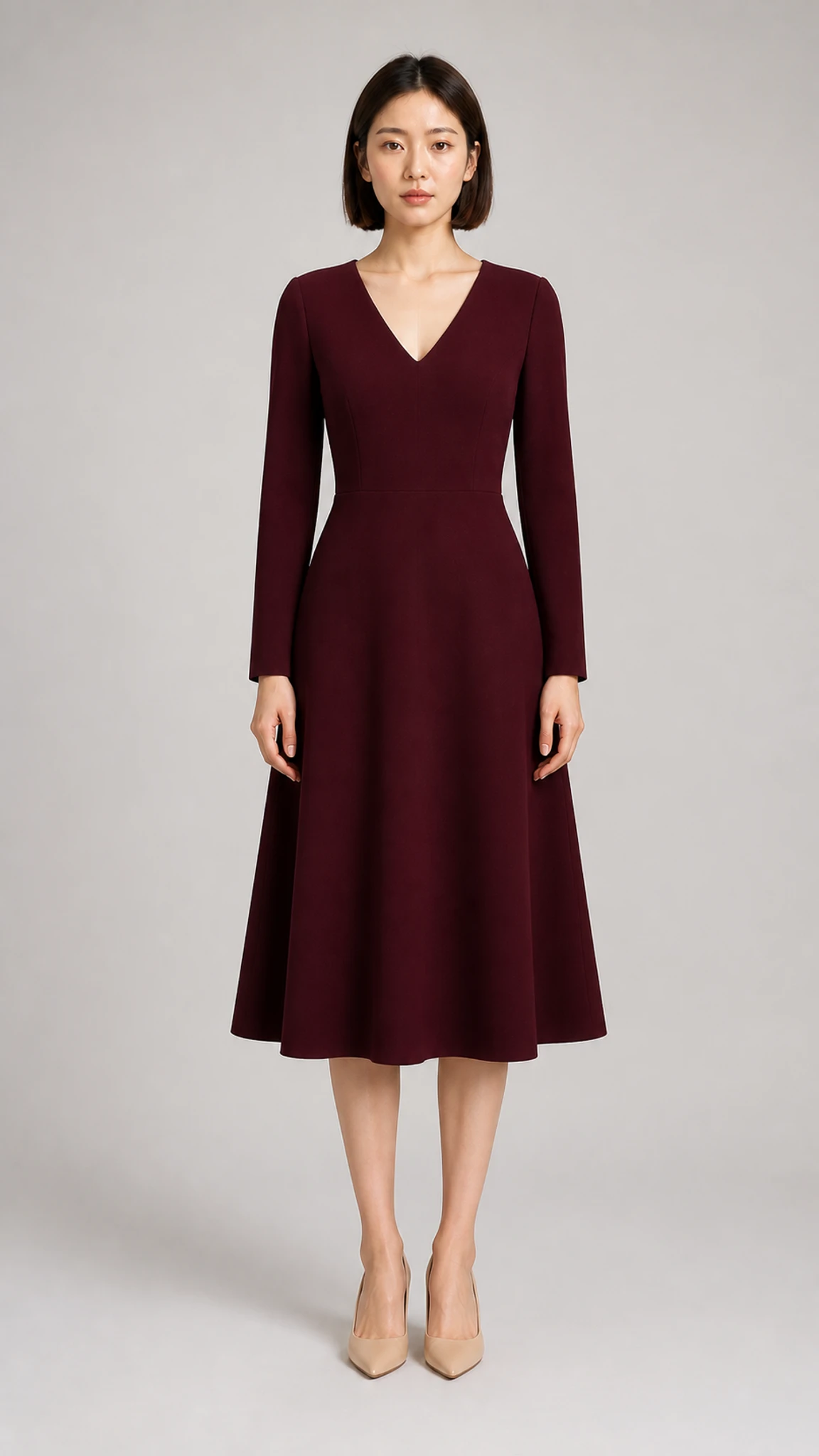
01
Front appearance
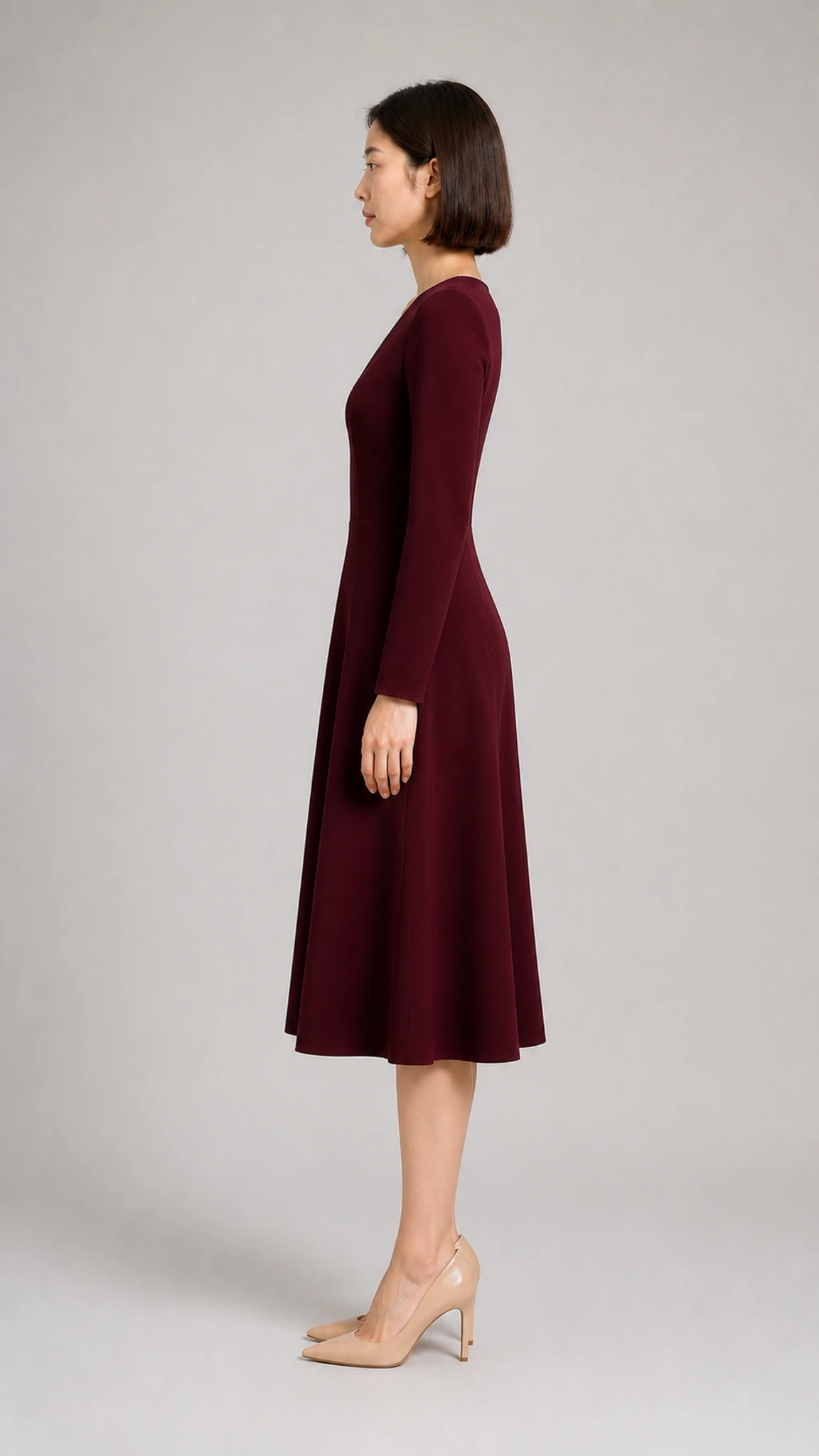
02
Side appearance
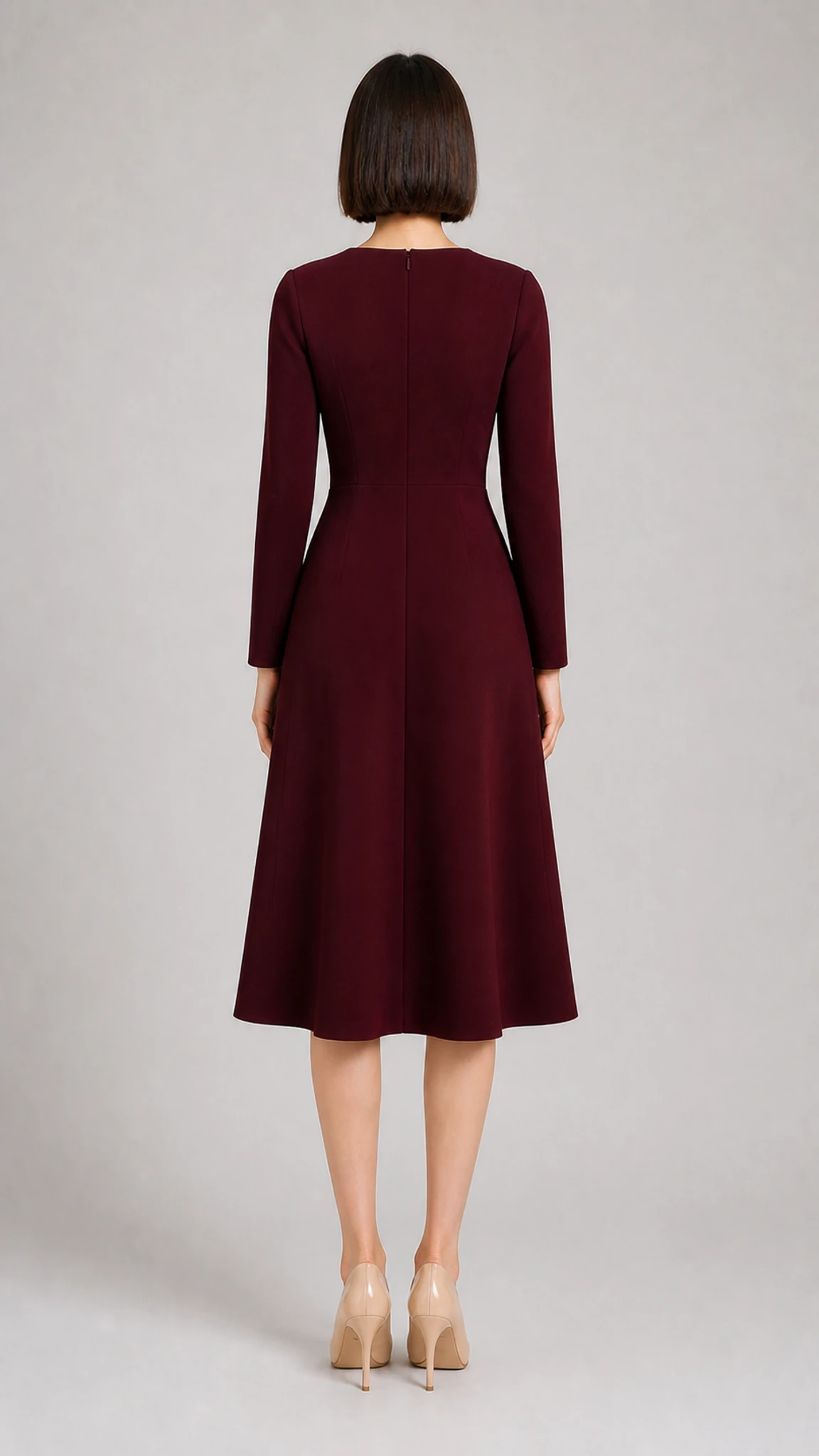
03
Back appearance
An approved 8-second excerpt from the real workflow
The garment input was synthetic, and these appearance references were generated by the real virtual-try-on workflow. The public video is the manually approved front-facing segment; the 24-second version is not used on the public site because its turn exceeded the supported motion range.
02 / A controlled path to delivery
The system checks the three image roles, narrows the shot list to what the source images support, and reviews generated frames before delivery.
01
Confirm that all three images show the same garment. You still verify that the detail image belongs to that garment.
02
Use front, back, side, and detail evidence to define which views have a real source.
03
Remove unsupported shots first, then let the selected style preset rank the remaining options.
04
Check generated frames and record task status before preview and download become available.
03 / Choose the use case, not a prompt
A clean background that emphasizes silhouette for product pages.
The default trial style prioritizes restrained, supported shots.
Adds controlled movement to white-background or flat-lay images.
Only visible contours and details are emphasized.
Light visual atmosphere for TikTok and Reels product testing.
Strong scenes or model actions require supporting source material.
A style preset changes recommendation order and visual tone. It cannot bypass source-image limits.
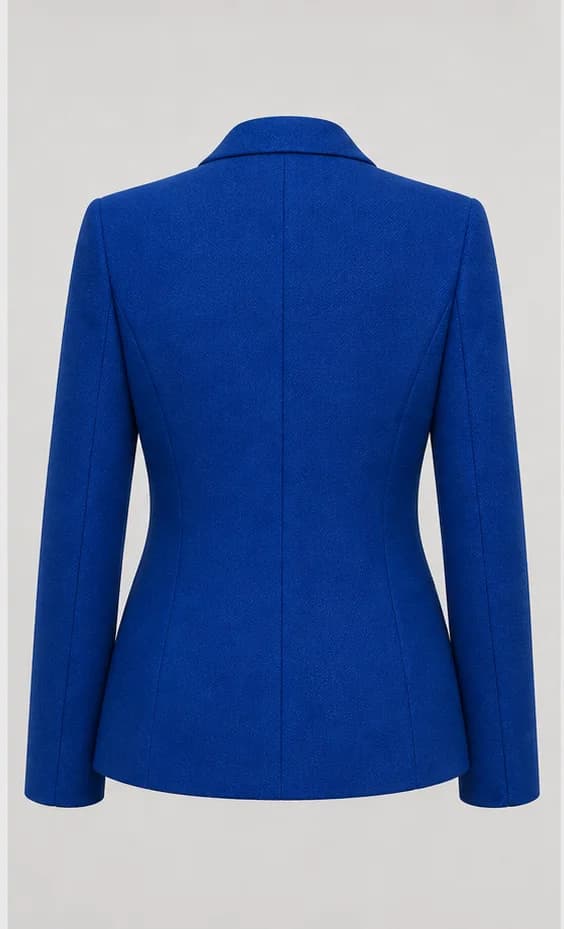
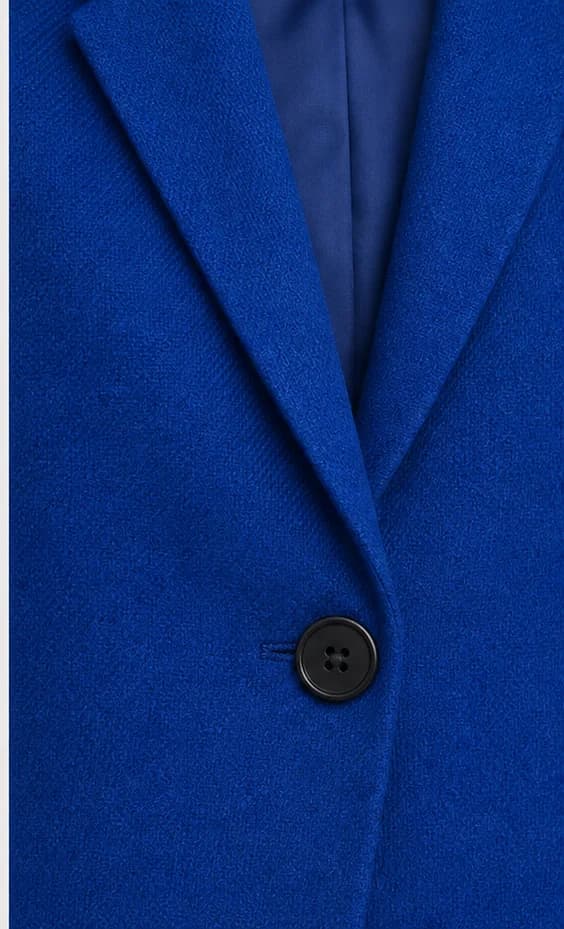
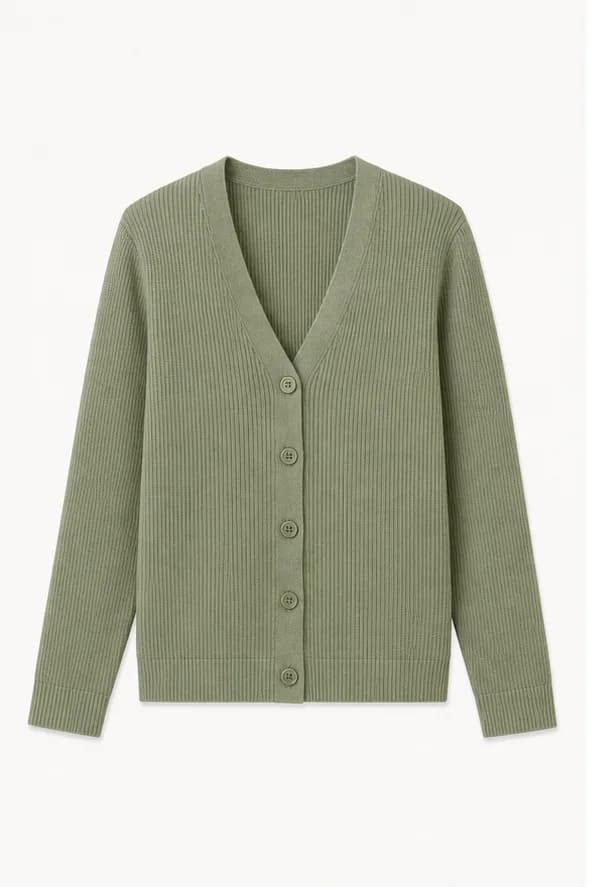
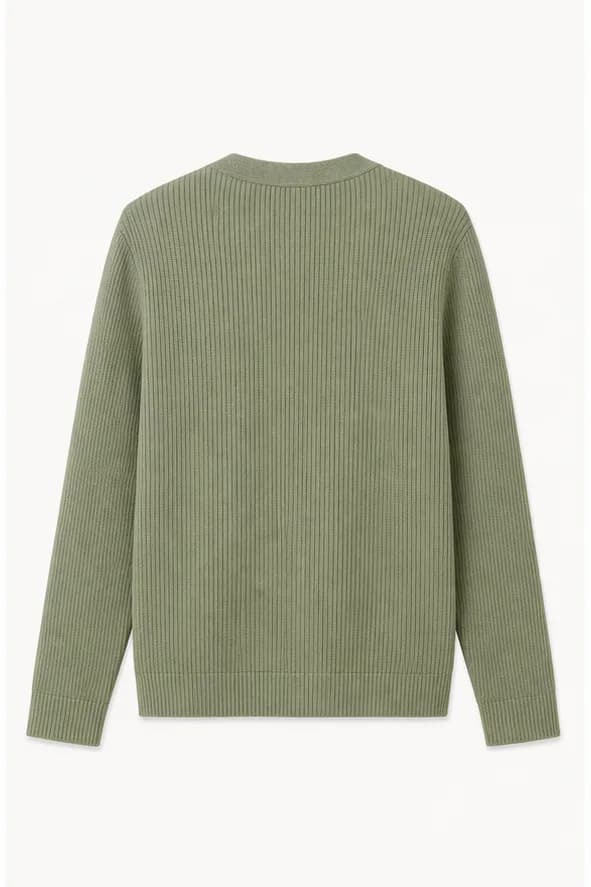
04 / Generated source library
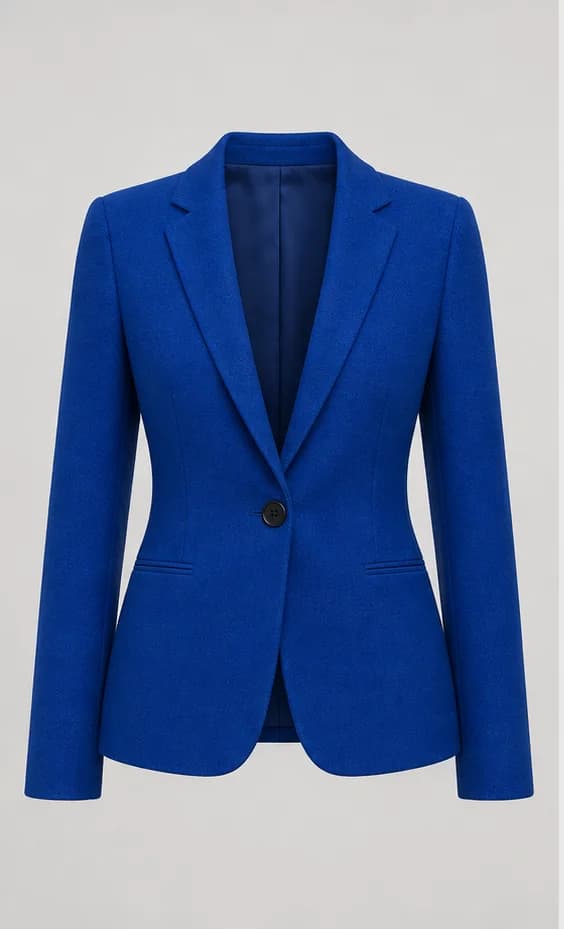
Two additional garment sets make the input boundaries visible before their real Preset videos are generated and reviewed.
Synthetic demo material, not customer cases.
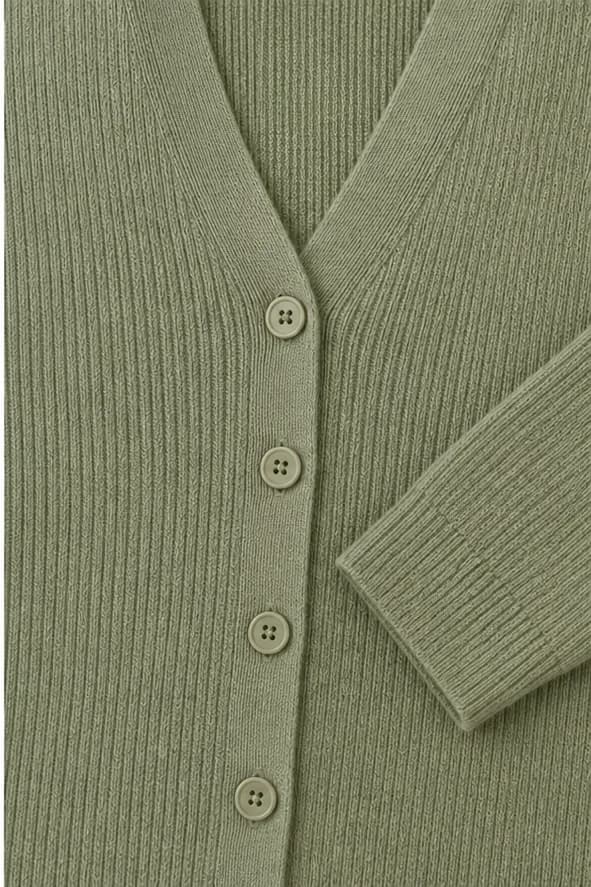
05 / A complete, publishable video
The system combines one, two, three, or four 8-second shots, then handles generation, stitching, and QA in the background. You see one task with clear preview, progress, and download states.
View trial and credit pricingStart with one SKU
Prepare three clear images of the same garment. The system handles shot eligibility, storyboarding, generation, and QA.