01
Recommended
Three-image product view
Front product image + back image + detail image
Suitable for most clothing SKUs on product pages and standard social posts.
AI Clothes Video · Three-image protocol
Upload front, back, and detail images of the same garment. The system checks what each image proves, then creates product-page or social video shots supported by that material.
The first trial is one low-resolution, silent, watermarked 8-second video using low-risk shots only.
01 / Why three images
The main risk in clothing video is not too little motion. It is invented backs, silhouettes, or details. Confirm that all three images belong to the same SKU, then let each shot use the corresponding evidence.
| Source image | Can support | Cannot be inferred |
|---|---|---|
| Front product image | Front silhouette, visible graphics, slow push or pan | Back construction, hidden vents, or back graphics |
| Back or side image | The real structure from that view | Continuous rotation through angles that were not uploaded |
| Detail image | Visible fabric, collar, cuff, or print | Unseen texture or construction details |
02 / Upload by role
01
Recommended
Front product image + back image + detail image
Suitable for most clothing SKUs on product pages and standard social posts.
02
Paid Beta
Product-only front + side + back
Available only after same-garment consistency checks pass. A style preset cannot select it automatically.
03
Paid Beta
Same model and garment: front + side + back
The garment and visible model must pass task-level consistency checks. The uploader must hold likeness and commercial-use rights.
Beta modes are not default capabilities. If the material does not qualify, the system asks for another image or uses a lower-risk presentation instead of forcing a rotation or turn.
03 / Four control points
Control does not make the model bolder. It reduces decisions that lack evidence.
Each image has an explicit slot, so the system does not guess whether it is front, back, or detail.
Confirm that all images show the same SKU. Subject views receive task-level checks. You must still confirm that the detail image matches the same garment.
Unsupported shots are removed before style presets influence recommendations. Prompts cannot override these permissions.
Generated segments are frame-checked, stitched into one video, and recorded with a delivery status.
04 / Real evidence
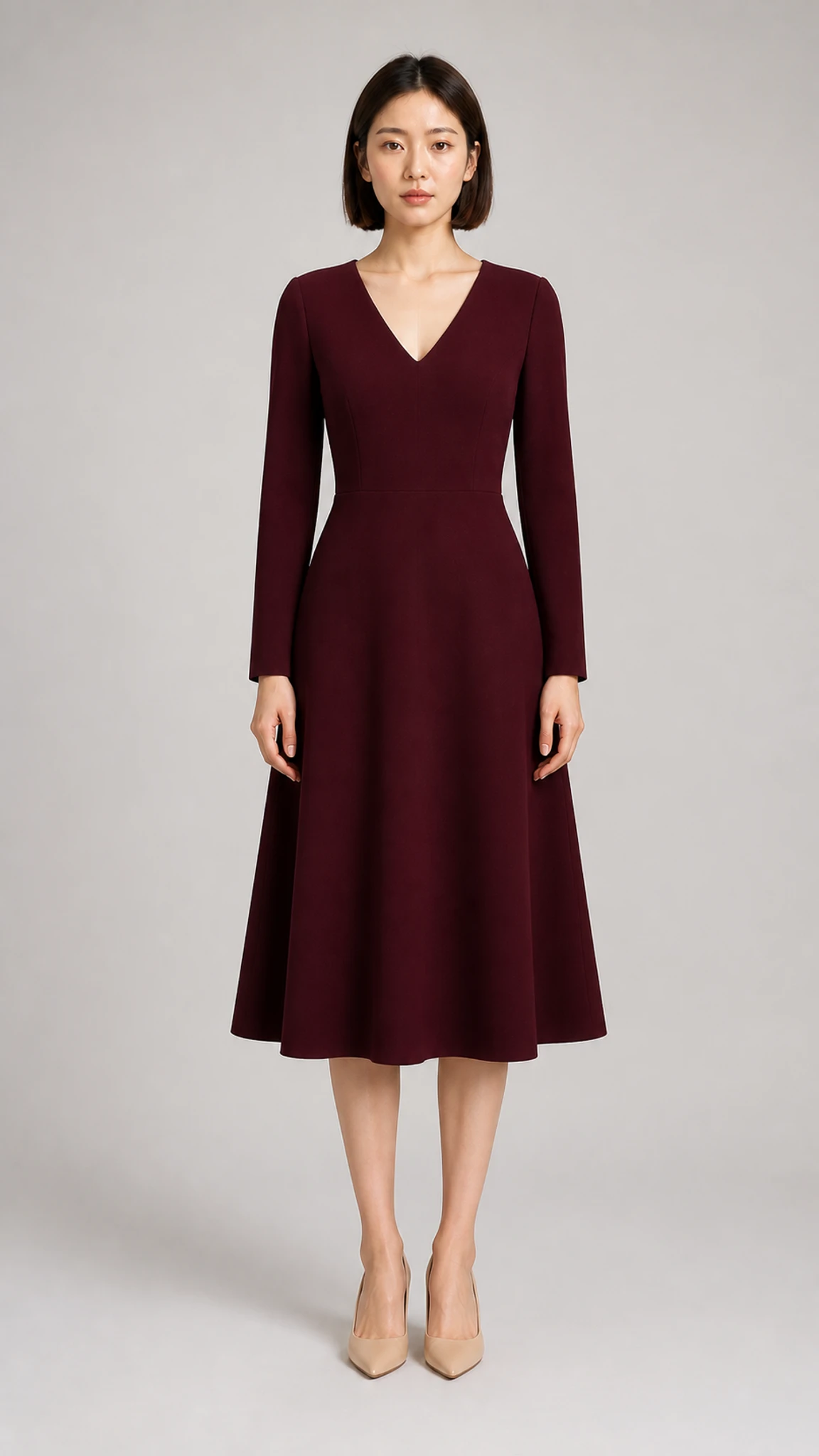
01
Front appearance
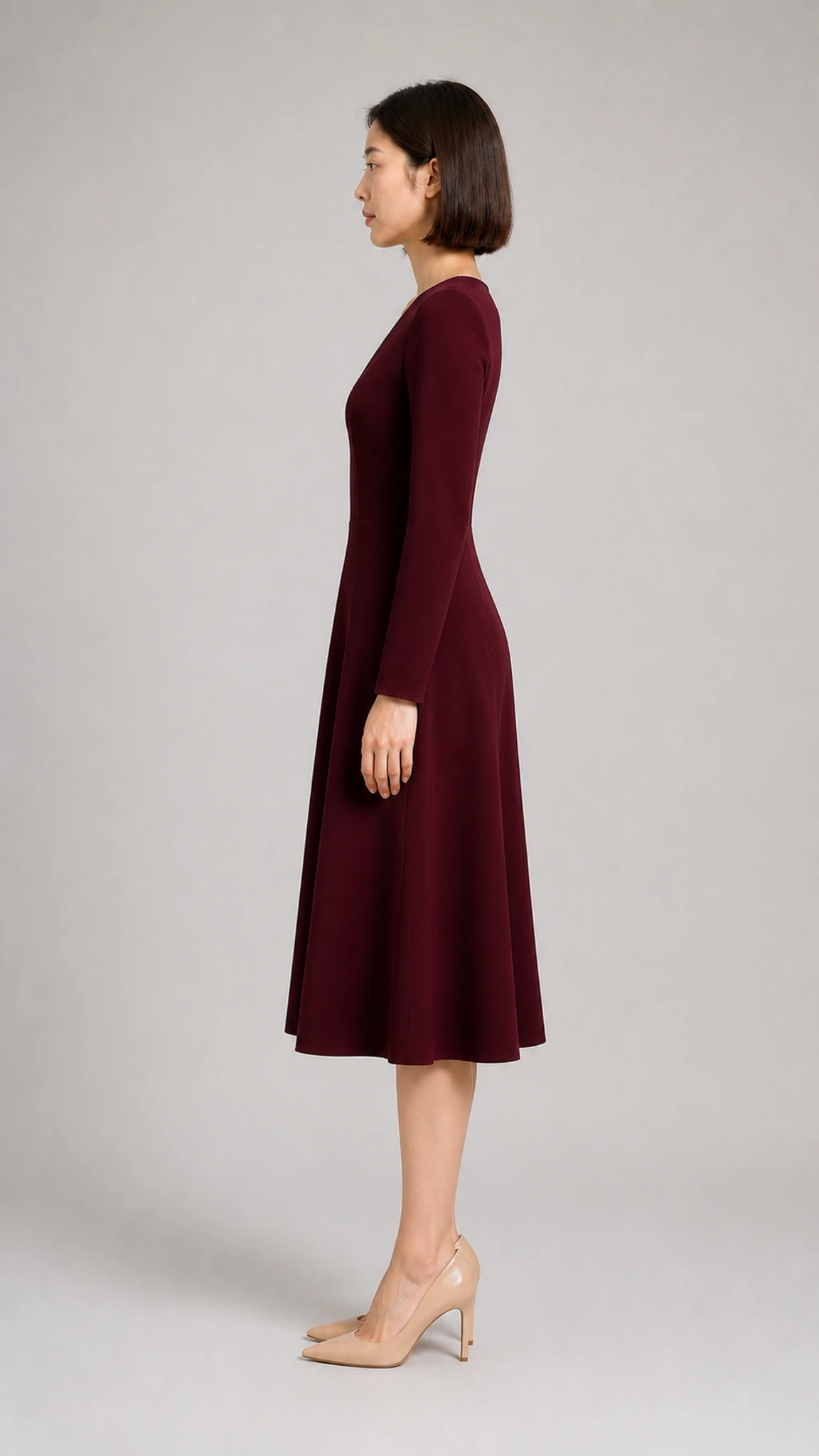
02
Side appearance
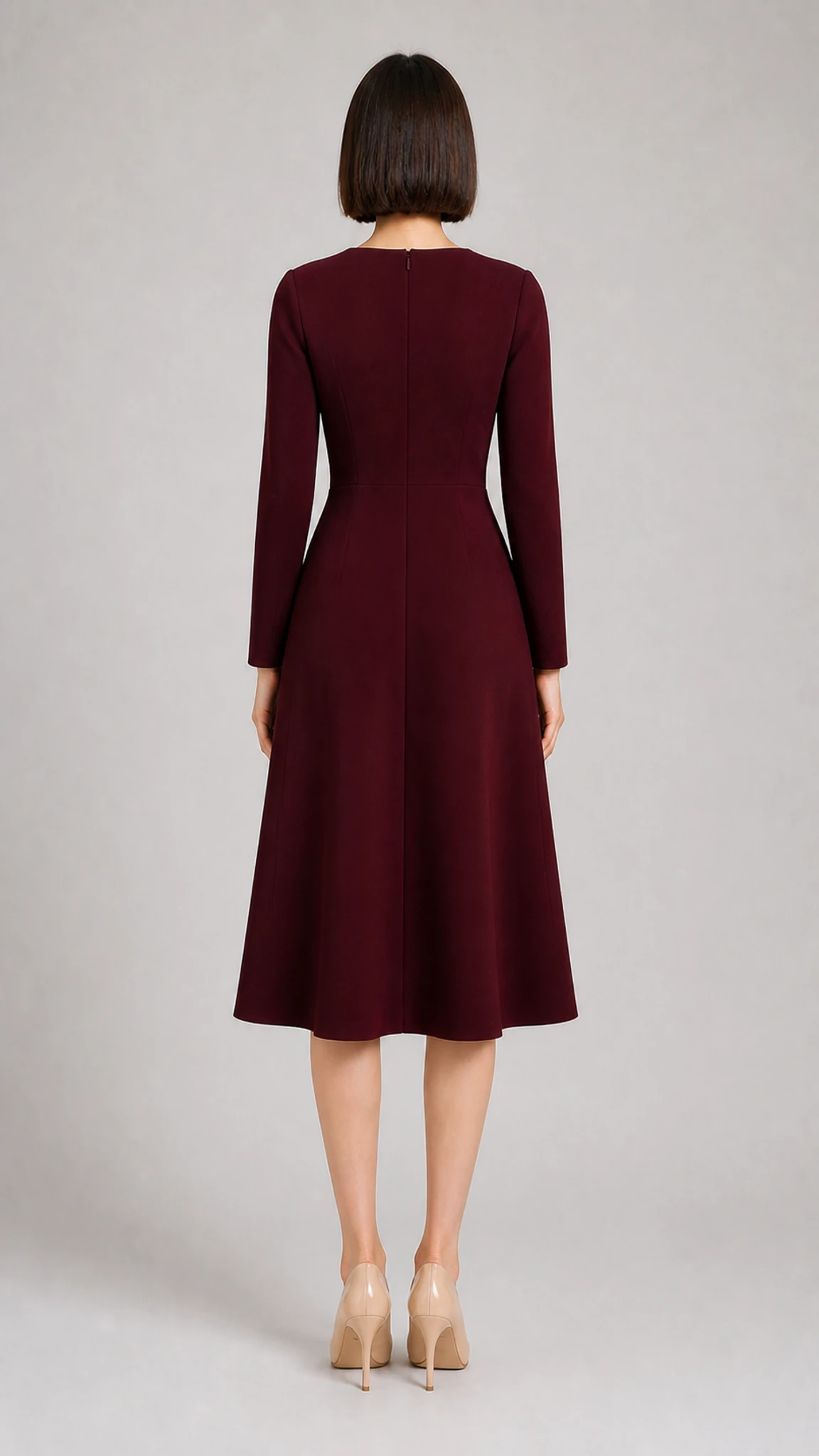
03
Back appearance
This is a real workflow result. Different garments, source quality, and shot combinations produce different results.
05 / Evaluate the material first
06 / Common questions
The recommended set is front, back, and detail. Product rotation and model turn have fixed three-image requirements and remain Paid Beta.
No. Generative video remains uncertain. The workflow reduces risk with subject-view consistency checks, shot limits, and post-generation QA.
No. The system does not infer a real back construction from a front image.
New users can create one low-resolution, silent, watermarked 8-second video using low-risk shots only.
07 / Practical guides
Prepare missing evidence, choose a useful duration, and review garment consistency before publishing.
Create one 8-second trial video to see which shots your material can support.