Publishing guide · Cover image
How to choose a cover image for a clothing product video
Choose the clearest truthful frame, not automatically the most dramatic one. The garment should remain recognizable at thumbnail size, important details must survive the target crop, and the cover must not promise a view or styling that the video does not deliver.
See how the complete video is built from source evidence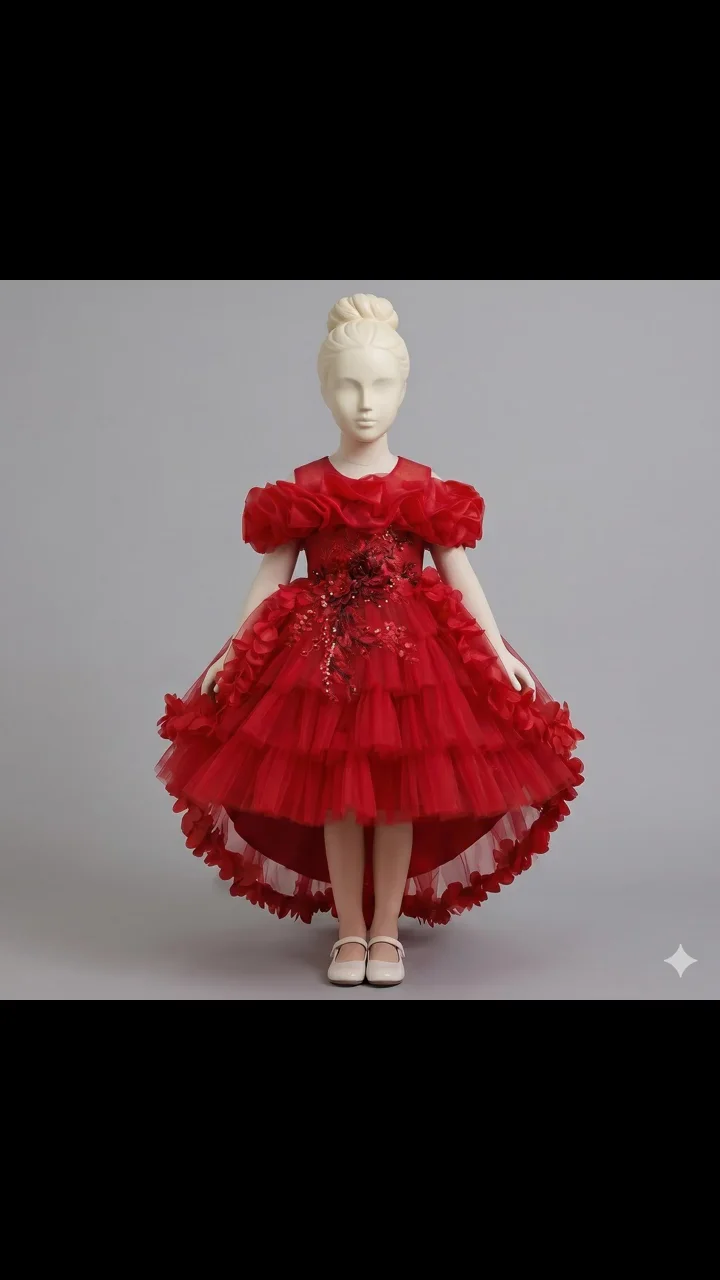
01
Treat the cover as a product promise
A cover has one job before playback: help the viewer recognize the product and understand what the video is about. A dramatic transition frame may attract attention while showing a stretched sleeve, hidden hem, motion blur, or an angle that appears for only a fraction of a second.
The three-image workflow limits the video to supported garment evidence. Apply the same rule to the cover: it should represent the SKU and a view the complete video can actually support.
02
Score candidate frames on four criteria
Pause on several stable moments and compare them side by side. Do not choose from memory after watching at full speed.
| Criterion | Pass condition | Reject when |
|---|---|---|
| Product truth | Color, silhouette, trim, and visible construction match the source | A detail moves, disappears, or is invented |
| Small-size readability | The garment remains identifiable without zooming | The product becomes a tiny shape or merges into the background |
| Crop safety | Neckline, sleeves, and hem survive the intended placement | A key selling detail sits at an edge or under an overlay |
| Video representation | The frame reflects the actual opening or main story | The cover suggests a model, view, or scene the video barely contains |
03
Avoid motion peaks and transition frames
The middle of a turn, zoom, garment sway, or stitched transition is often the least stable point. Check fingers, edges, prints, buttons, waistlines, and hems at full resolution before approving a frame.
A generated cover is only a candidate. Compare it with the complete output and use the pre-publish quality checklist before treating it as final. A clean cover cannot compensate for a video that fails later.
- Reject blur that hides product construction rather than indicating intentional motion.
- Reject frames captured between two different poses or backgrounds.
- Reject a flattering crop that removes the feature named in the listing.
- Keep the approved cover tied to the correct SKU, color, locale, and video version.
04
Test the real thumbnail size and crop
A frame that looks strong on a desktop monitor can become unreadable in a compact product tile. Preview it at the actual destination size, with the play icon, duration badge, price block, captions, and interface overlays visible.
Use the aspect-ratio guide to protect the product when the same cover is adapted to 9:16, 1:1, or 16:9. If one crop removes essential information, create a placement-specific cover instead of forcing a universal version.
05
Keep text and claims outside the product evidence
If the publishing platform adds text, keep it short and separate from the garment. Do not place unverified material, fit, performance, sustainability, or discount claims on the cover. Text should describe the real listing, not fill gaps in the visual evidence.
Confirm commercial rights for the source image, visible adult model, logo, typeface, and any graphic element. Save the approved cover with the final video so an older draft is not published by mistake.