Seller guide · Social product video
How to create an AI clothing video for TikTok and Instagram Reels
Start with one SKU and one buyer question. Use matched front, back, and detail images to create a restrained 8-second first version, then preview the complete vertical post before adding more shots or stronger scene direction.
See how three matched images define available clothing shots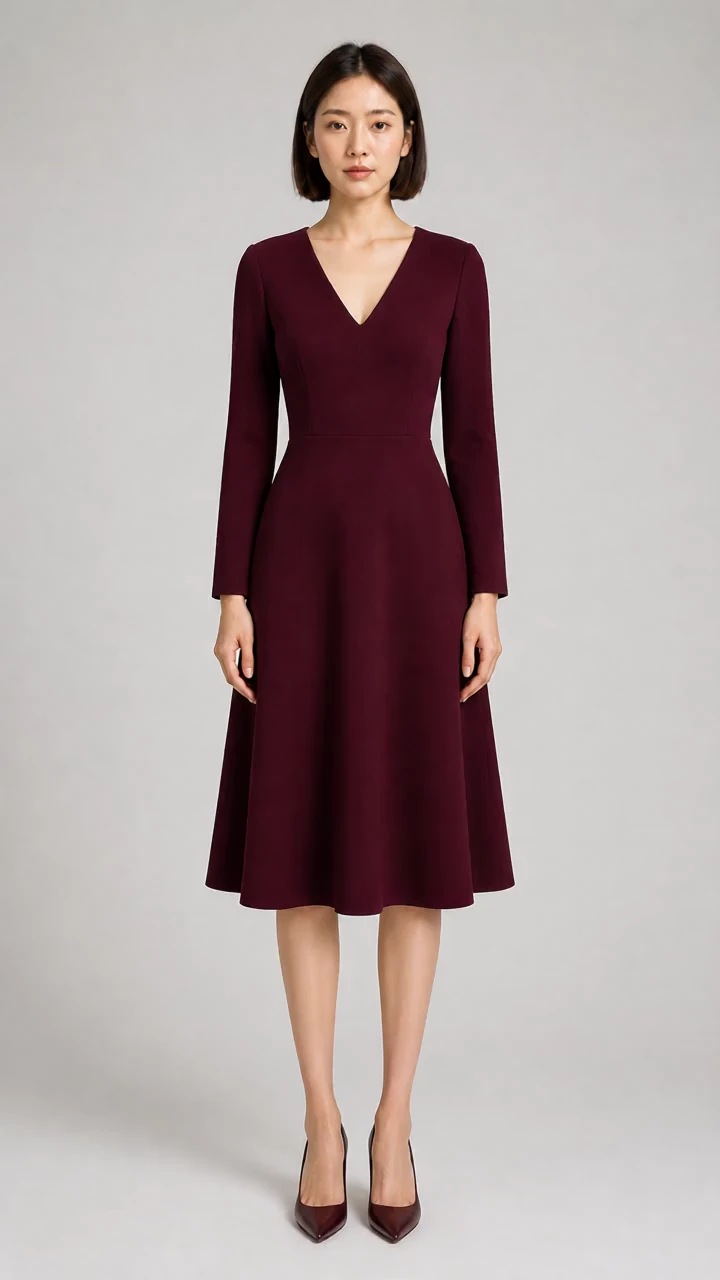
01
Make the garment recognizable before adding atmosphere
A social product video still needs to identify the item being sold. Open with a readable silhouette, visible color, and one supported feature instead of hiding the garment behind rapid cuts or an invented location.
The three-image clothing video workflow assigns front, back, and detail evidence before style affects the shot. That boundary matters even when the destination is a short-form feed.
- Use one SKU and one visible product claim in the opening shot.
- Keep text, controls, and crop away from important garment details.
- Treat music, captions, and publishing copy as later channel work, not source evidence.
02
Validate one 8-second information task first
An 8-second first version lets you inspect whether the chosen image, preset, and motion communicate one useful fact. A longer sequence is justified only when each additional shot answers another buyer question.
Use the clothing video length guide to decide whether 16, 24, or 32 seconds adds supported information instead of repetition.
- 01Name the single product fact the first shot should show.
- 02Choose the source image that visibly proves it.
- 03Generate with restrained motion and review the complete result.
- 04Add another shot only when a different source image supports it.
03
Check the vertical crop in the real post preview
A 9:16 canvas can suit a vertical feed, but the garment still needs breathing room around the neckline, sleeves, hem, and any visible print. Interface overlays and device crops vary, so inspect the actual draft instead of trusting the export alone.
Compare the 9:16, 1:1, and 16:9 composition trade-offs before locking the source crop.
04
Do not invent a lifestyle scene the images cannot support
A social destination does not authorize a cafe, street, beach, model turn, or other unprovided scene. Without scene evidence, use a restrained product treatment. Without verified model views, do not request a turn.
Use the clean versus lifestyle background guide to separate presentation choices from garment evidence.
05
Review the post as a product claim
Compare stable frames with all three source images, then inspect crop, cover, captions, audio, and the platform's current publishing requirements. AI Clothes Video does not publish to TikTok or Instagram and cannot guarantee reach or approval.