Source comparison · Presentation format
Model, mannequin, or flat lay: which clothing photos work for AI video?
There is no universal winner. Model photos show fit and drape, mannequin images isolate structure, and flat lays show outline and visible details. Choose the format that answers the buyer question and keep all three sources consistent.
See the accepted source roles in the three-image workflow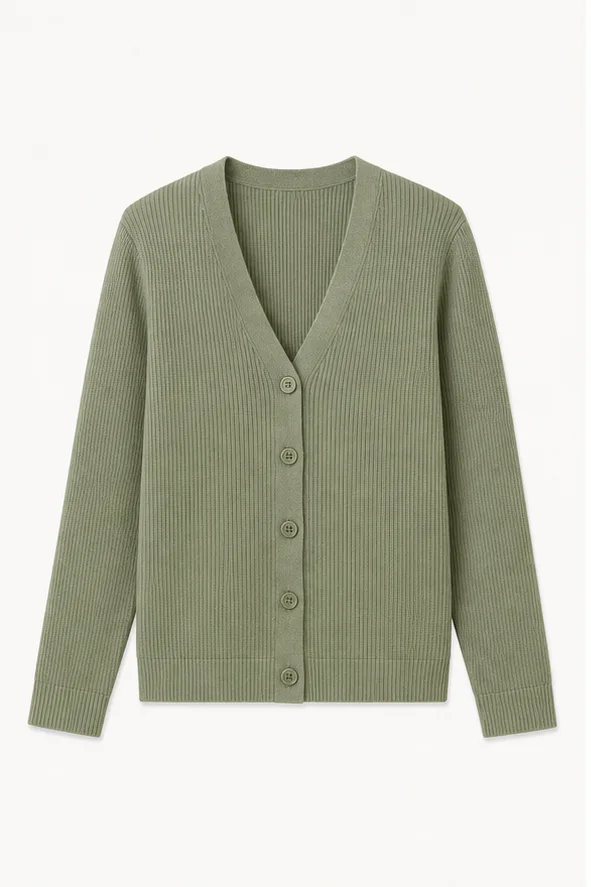
01
Choose evidence before you choose a look
Sellers often ask which presentation style produces the most impressive AI video. That starts from the wrong decision. First decide whether the video needs to prove fit, construction, outline, or a visible detail; then choose images that contain that evidence.
Whichever format you use, the three-image workflow still requires a consistent source set and applies shot permissions from the visible material. A style preset cannot invent a hidden view.
02
Compare the three source formats
Each format removes one uncertainty and introduces another. Use the trade-offs rather than treating the options as a quality ranking.
| Source format | Strongest evidence | Main limitation | Safer starting use |
|---|---|---|---|
| Model photo | Fit, drape, scale, and styling on a person | Hands, hair, pose, and body can occlude the garment; likeness rights apply | Stable framing or restrained motion using the visible pose |
| Mannequin photo | Garment shape and construction with fewer body distractions | Pins, clips, hollow areas, or hidden back structure may still be missing | Product-focused push-in, pan, or front/back sequence when both views exist |
| Flat lay | Outline, print placement, and visible details on one plane | Weak evidence for worn fit, depth, and natural drape | Slow pan, crop change, or detail-led product motion |
03
When model photos are the right source
Use model images when fit, proportion, and drape are central to the buyer question. The source should show the garment clearly, with key areas unobstructed and the same adult model across views used in one task.
Model images also carry extra responsibilities. Confirm likeness and commercial-use rights, avoid mixing different people in one source set, and do not infer an unseen pose or body angle. Review the material and authorization guidance before using a campaign image.
04
When mannequin or flat-lay images are more useful
A mannequin set can be stronger when buyers need to inspect tailoring, closures, seams, or a clean silhouette without pose changes. A flat lay can be stronger for graphic placement, knit texture, accessories, or simple outline-led content.
Neither format proves worn fit. Do not turn a flat lay into an unsupported model performance or assume a mannequin front view proves the back. If a view is missing, follow the back-image evidence rule and capture it first.
05
Build one coherent set
Mixing formats can work only when every image still describes the same product version and each role is clear. For example, a model front, clean product back, and macro detail may answer complementary questions, but color, trim, and construction must match.
Run the same-SKU image checklist before upload. Then use the shot-list planning guide to map each source to one useful buyer question.